Full XDR brightness.
One click.
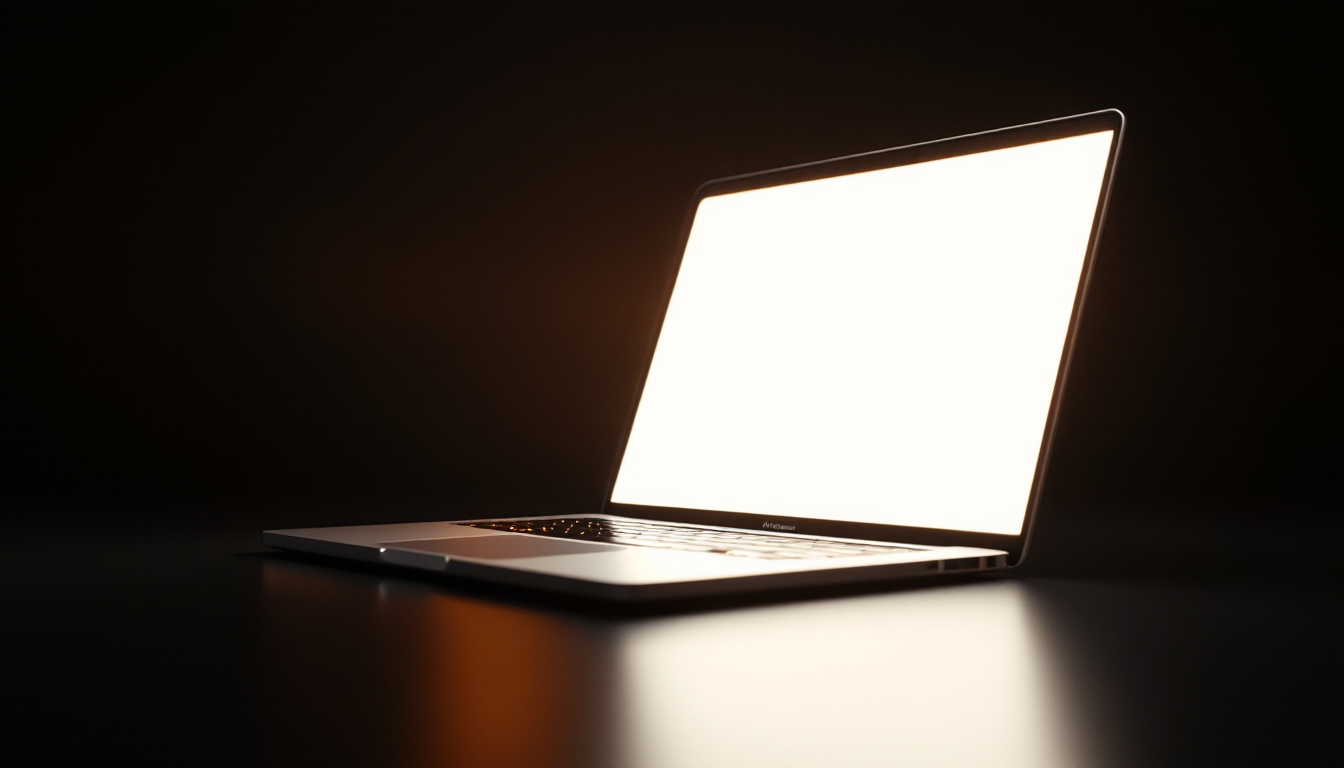
BrightLight pushes your MacBook Pro's built-in Liquid Retina XDR display past its normal limit to full peak brightness — straight from the menu bar.
$4.99 · one-time purchase — yours forever, no subscription
One-click boost
Toggle maximum brightness from a tiny menu bar icon. No windows, no clutter.
Built-in display only
Affects just your Mac's internal XDR screen. External monitors are never touched.
Auto-off timer
Optional automatic shut-off after 60 minutes to protect the display and save battery.
Launch at login
Start automatically and stay out of your way in the menu bar.
Private by design
No tracking, no analytics, no network access. Nothing leaves your Mac.
Native & tiny
A lightweight, native macOS app built with public Apple APIs.
See the difference
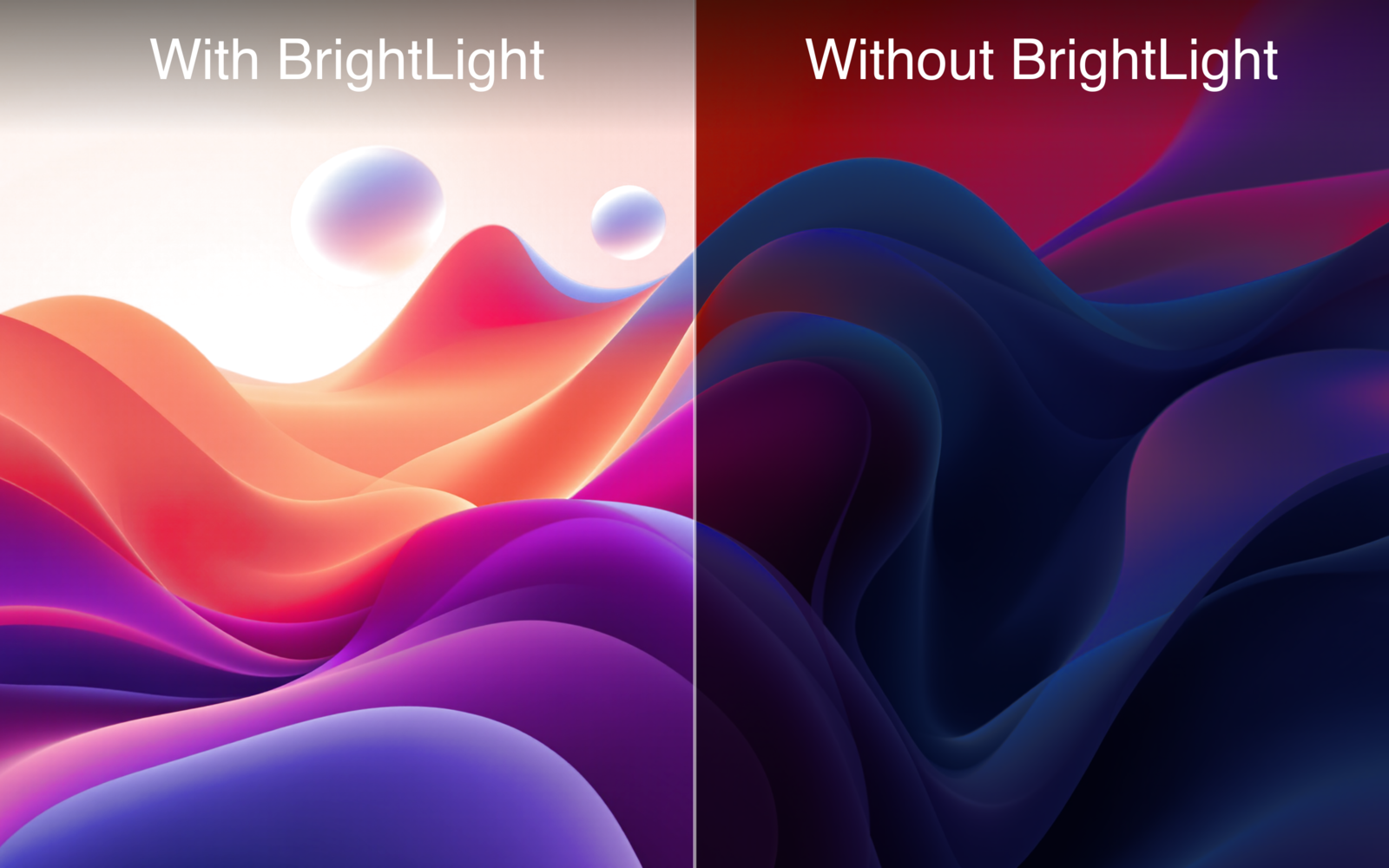
Same wallpaper, same Mac — with and without the boost. BrightLight lifts your built-in XDR display well past its normal ceiling.
Take it outside
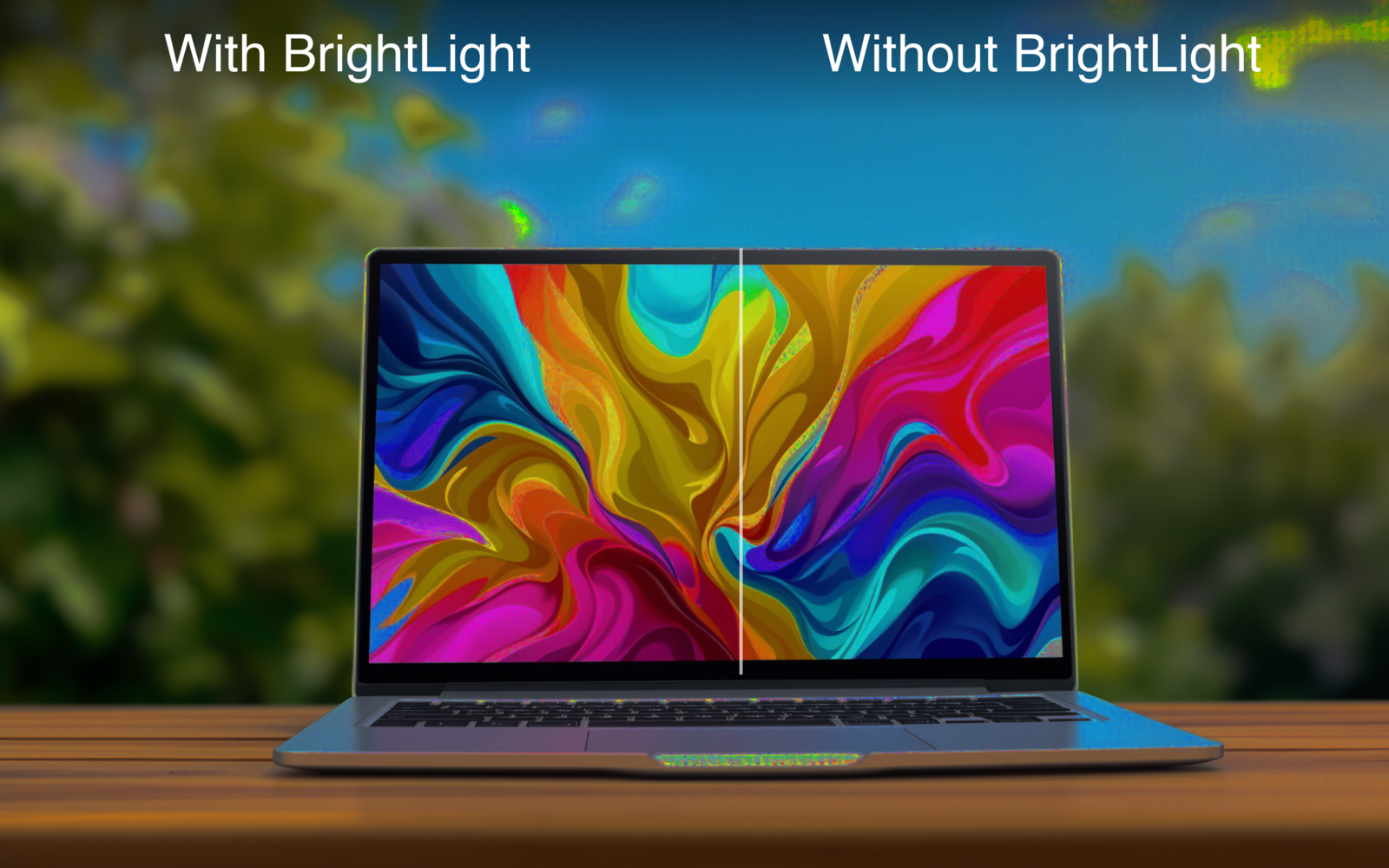
Bright rooms and direct sunlight are no match for peak XDR brightness. Keep your screen clear and readable wherever you work.
Requirements
- MacBook Pro 14" or 16" (2021 or later) with a mini-LED Liquid Retina XDR display
- macOS 14 (Sonoma) or later
- On other Macs the app runs but shows no effect — the display simply lacks the extra brightness headroom.
How it works
Liquid Retina XDR displays reserve extra backlight headroom for HDR highlights. BrightLight uses Apple's public Extended Dynamic Range (EDR) APIs to put that headroom to work for everyday content — driving the mini-LED backlight beyond the standard brightness limit. No private APIs, no hacks.
Frequently asked questions
Which Macs work with BrightLight?
MacBook Pro 14" and 16" from 2021 or later — the models with a mini-LED Liquid Retina XDR display — running macOS 14 or later. On other Macs the app still runs, but the screen has no extra brightness headroom, so you'll see no change.
Does it work on external monitors?
No. BrightLight only affects your Mac's built-in XDR display. External monitors are never modified.
Can I use it on all my Macs?
Yes. It's a one-time purchase tied to your Apple ID, so you can install it on any Mac you sign into with the same Apple ID at no extra cost.
Is it a one-time purchase?
Yes — $4.99 once, yours forever. No subscription.
Will it damage my display or drain my battery?
BrightLight drives the same peak brightness your display already uses for HDR content, and macOS manages the display's temperature automatically. Higher brightness does use more power and generates more heat, so we recommend the optional auto-off timer and using the boost when you actually need it.
Does it collect any data?
No. BrightLight has no network access, no tracking and no analytics. Nothing ever leaves your Mac.
How do I turn the boost off?
Just click the menu bar icon and toggle it off. You can also enable "Turn off after 60 min" to have it switch off automatically.